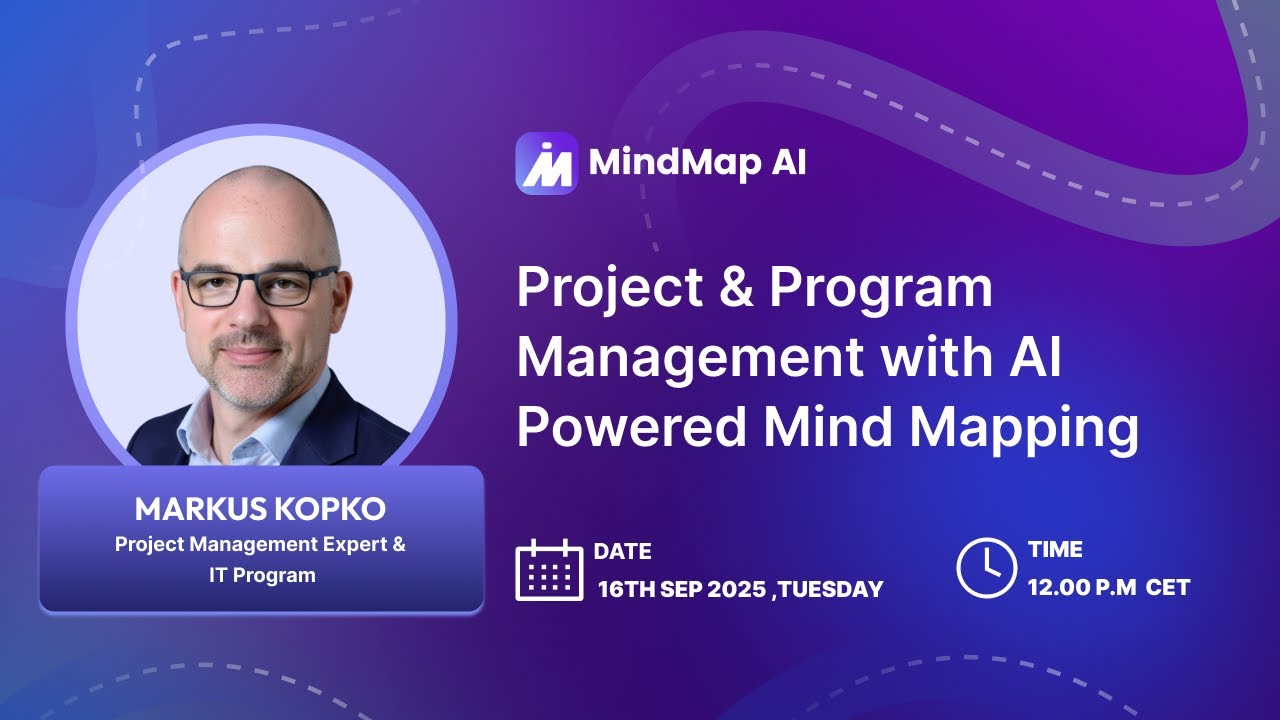
In this webinar hosted by MindMap AI, Markus Kopko, an IT program and project management expert, showed practical ways to apply AI-powered mind maps to real projects. The session covered project charters, risk management, stakeholder alignment, and program overviews. Markus demonstrated how AI can generate a working structure in seconds and how teams can refine the map together to drive alignment and speed.
With more than 25 years in IT projects and programs and nearly two decades using mind maps, Markus shared live examples and prompts. He showed PMI-aligned structures, AI-assisted risk mitigation, and quick exports to Markdown or PDF. These workflows shorten preparation time, improve communication, and create shared understanding. This webinar is designed for both Project Management and Program Management professionals.
Why Mind Mapping for Project and Program Management?
Cut hours from kickoff and charter workshops.
See the big picture and drill into details.
Align stakeholders with one shared visual.
Keep structure without killing creativity.
Scale from single projects to full programs.
4 Key Use Cases of Mind Mapping in Project & Program Management
Project Charter (Kickoff) — Create purpose, objectives, scope, deliverables, stakeholders, risks, and resources in one map. Start fast, then refine with the team.
Risk Management — List high-level risks with impact and mitigation ideas via AI. Convert into a risk register quickly.
Stakeholder & Communication Planning — Map influence, messages, channels, cadence, and owners. Keep communication clear and consistent.
Program Overview & Dependencies — Build an overview map and link to deeper maps. Manage multiple projects without clutter.
Real-World Project Management Use Cases
Project Charter in Seconds
Prompt: “Create a project charter for Microsoft 365 in a mid-sized company. Include goals, deliverables, stakeholders, risks, resources.” Get a draft in ~10 seconds.
PMI-Aligned Refinement
Ask AI to align with PMI/PMBOK and the Process Guide. Add purpose, SMART objectives, assumptions, constraints, and more.
Risk Deep Dive with AI Expand
Right-click a risk branch and use AI Expand. Generate risks, impacts, and mitigation strategies instantly.
Export to Files
Download as Markdown or PDF. Move content into company templates fast.
Key Takeaways from Markus Kopko’s Webinar
1. AI + Mind Maps Compress Setup Time
Project charters, risk lists, and stakeholder views appear in seconds. Teams start from a usable draft, not a blank page.
2. Alignment Is the Biggest ROI
A shared visual reduces rework and misreads. Decisions speed up because everyone sees the same structure.
3. Stay PMI-Aligned on Demand
Prompt for PMBOK language and sections. Add purpose, SMART objectives, assumptions, and constraints with one command.
4. Export to Finish Faster
Download Markdown or PDF. Move content into company templates in minutes, not days.
5. Use AI for Depth, Keep Humans for Judgment
AI suggests structure, risks, and mitigations. The team reviews, adapts, and owns the plan.
Frequently Asked Questions (FAQ)
1. How do I choose a mind map vs. a checklist or spreadsheet?
Use a mind map when you need shared understanding and fast structure. Use lists and sheets for repetitive tracking and tables.
2. Is this useful for both Project Management and Program Management?
Yes. AI-powered mind mapping accelerates classic project management tasks (charters, risks, stakeholders) and higher-level program management needs such as dependency mapping, communication strategy, and cross-project alignment.
3. Won’t program-level maps get overwhelming?
Start with a single overview map. Link deep dives for risks, stakeholders, scope, and comms to keep the top level clean.
4. What is the best way to handle risk management?
Generate high-level risks with impacts and mitigations via AI Expand. Convert to a risk register and link it back to the overview map.
5. Can I bring in RFPs or policy docs?
Yes. Attach inputs so the AI can reflect real context. The output gets sharper and needs less editing.
6. What if I need formal documents at the end?
Export as Markdown or PDF and drop into your templates. You keep speed and still meet document standards.