Role Mapping for Leaders Using AI-Powered Mind Maps
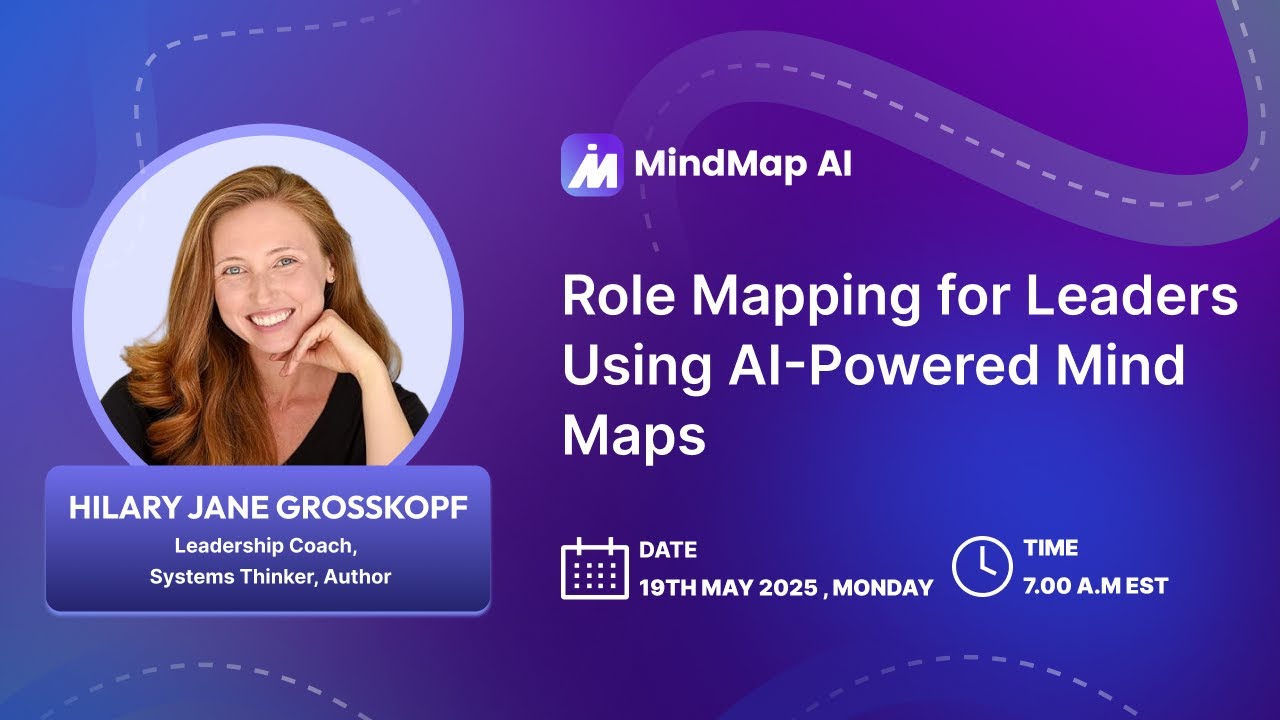
In a recent webinar hosted by MindMap AI, leadership coach and
systems thinker Hilary Jane Grosskopf shared a
practical approach to role mapping using a leadership mind map. The session demonstrated how leaders and
team members can visually organize responsibilities, clarify expectations, and stay aligned, making MindMap
AI one of the most practical leadership development tools
available today.
Drawing from experience in operations, logistics, and consulting across retail and food industries, the
session introduced a structured yet flexible method to define roles in a way that evolves with time.
What Is Role Mapping in Leadership?
Role mapping is a visual way to capture the full scope of a role at any given point in time. At the center is
the position title, and from there, branches are created for operations, tasks, projects, performance
metrics, team members, partners, and more.
This format is especially helpful when stepping into a new role, onboarding someone else, or clarifying how a
position is transforming over time. A mind map of leadership can serve as a living snapshot of priorities
and value, a helpful tool in one-on-one meetings or performance reviews.
Why Use a Leadership Mind Map?
When onboarding, it helps visualize
what’s inherited and what’s evolving.
As projects and responsibilities
shift, a role map helps keep track.
During reviews or check-ins, maps
can be brought in as a conversation aid.
A map supports prioritization,
acting as an agenda to discuss what’s most important now.
Strengthen Leadership and Team
Alignment
How Do You Create a Role Map with MindMap AI?
A live demonstration during the session showed how to build a role map using MindMap AI, starting from a
blank canvas and eventually uploading a hand-drawn mind map for instant conversion.
Step 1: Start a New Mind Map
The session began with the creation of a blank map using the example title “Marketing Manager” as the central
topic.
Step 2: Add Key Branches
Build branches to represent your operations, projects, performance metrics, team, partners, and more.
A well-structured leadership mind map begins with the position title at the center and branches out to show
everything the role covers at that point in time. In the webinar, Hilary outlined the key elements that make
a role map useful and complete.
Operations
Capture ongoing responsibilities like reporting, analytics, ad hoc requests, and regular meetings such as
department updates or churn analysis.
Projects
Add current initiatives like campaign launches or seasonal priorities. Include due dates directly in the map
(e.g., “Dress Campaign – due June 9”).
Performance Metrics
Track how the role is measured using metrics such as website traffic, conversions, or store visits.
Team
List the leader and their direct reports to make team structure and reporting lines visible in the role
map.
Partners
Identify collaborators outside the immediate team, other departments or individuals closely involved in
shared responsibilities.
Team Events
Include engagement activities like lunches, retreats, or volunteer days. Use AI to generate ideas that
strengthen team culture and connection.
Who Can Use Role Mapping?
While role mapping started as a leadership framework, its value extends far beyond managers. MindMap AI
supports role clarity for individual contributors, new hires, and team members. Whether you're navigating
shifting responsibilities or stepping into a new role, a visual role map helps define tasks, track
ownership, and ensure alignment across the team. In one-on-one meetings or performance reviews, it serves as
a snapshot of progress, productivity, and value.
5 Key Takeaways from Hilary Jane Grosskopf’s Webinar
1. Role Maps Support Accountability in Ongoing 1-on-1s
Regular touchpoints like weekly 10–30 min
meetings become more productive when role maps are used as visual agendas to track follow-ups,
progress, and accountability.
2. Custom Branches Enhance Role Relevance
Role maps aren't rigid. You can customize
branches for roles, making them highly adaptable.
3. AI Chat Enhances the Map Building Process
Instead of manually editing, users can
simply tell the AI what to add or update, making it more intuitive to iterate and build complex maps
quickly.
Beyond planning, role maps serve as a
performance tool, helping leaders demonstrate their contributions, manage project timelines, and
communicate evolving responsibilities during reviews.
Frequently Asked Questions (FAQ)
Can team members, not just leaders use role maps?
Yes. Anyone with a role can benefit. Role maps help clarify personal responsibilities, especially
during onboarding or project transitions, and foster clearer collaboration.
How can I ensure a role map leads to real action?
Attach deadlines or notes to branches for tasks and projects. Then review them during regular
check-ins to hold yourself or your team accountable.
Can AI-generated maps be tailored to unique job
roles?
Absolutely. You can edit branches or ask the AI to generate suggestions based on your job title.
For niche roles, combining manual customization with AI input works best.